
Adore24 Documentation Center
Joining a Chapel
Last Updated:
January 27, 2024
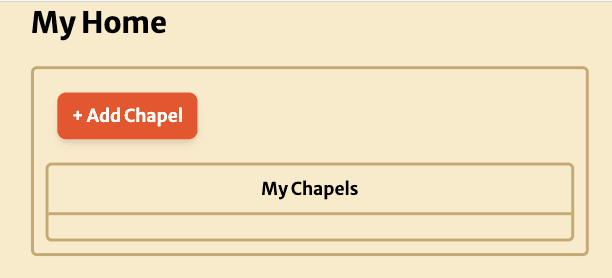
When you first join Adore24, you will not be affiliated with any active chapels. To see schedules and volunteer, one must first join a chapel.
1. Click the Add Chapel Button.
2. Search for Related Chapels
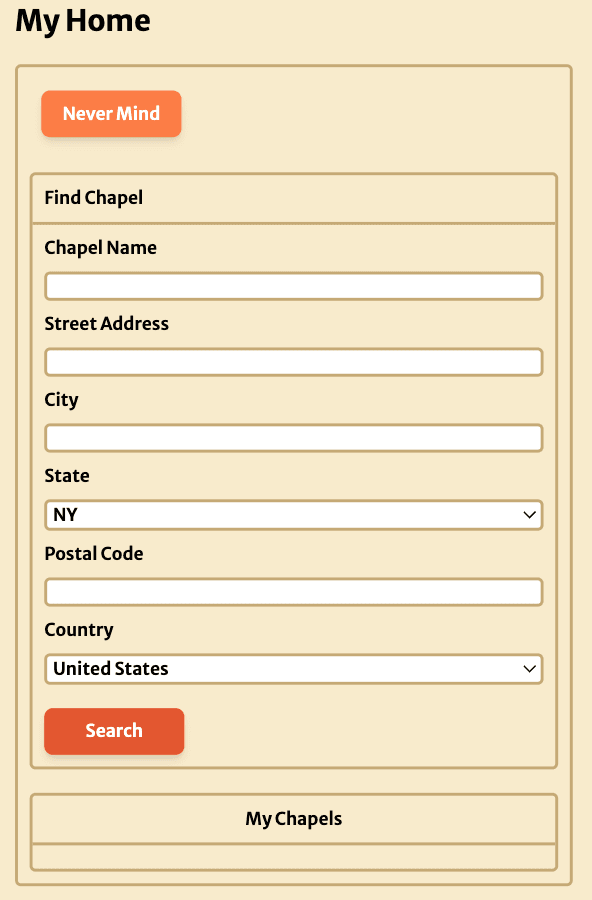
Note, that if you have trouble finding a particular chapel (due to mispellings or a mistaken address), you can fill in fewer fields. For example, if your chapel is in New York State, you could choose to only fill in the state field and look through all results for your chapel.
3. Add Desired Chapel
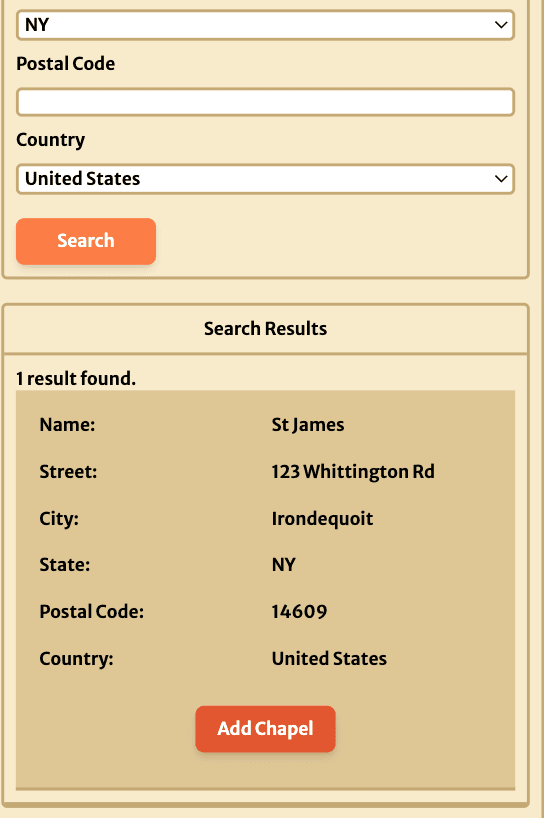
When you see a chapel that you want to join, click the "Add Chapel" button.
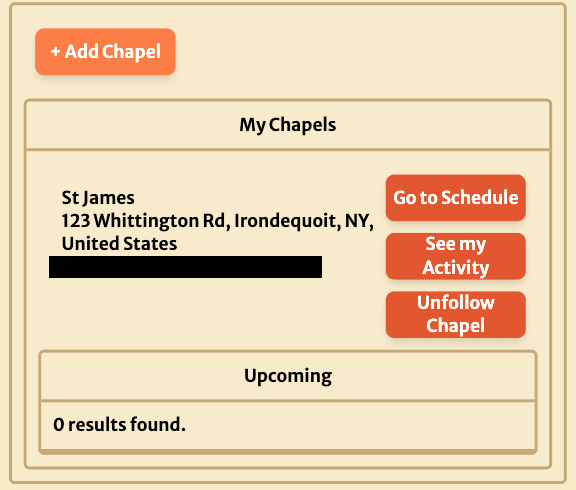
Now when you log in to Adore24, your homepage should show that you are affiliated with this chapel. If in the future you want to stop being affiliated with the chapel, but without deleting your records, you can click "Unfollow Chapel".